Loading
Nullam dignissim, ante scelerisque the is euismod fermentum odio sem semper the is erat, a feugiat leo urna eget eros. Duis Aenean a imperdiet risus.
Build connected AI video productions.
Try: "A lone explorer enters a violet-lit city at dusk."
VIGAI is building the AI-native production room for creators who want to make more than isolated clips. We bring story planning, character continuity, intelligent video generation, editing, sound, captions, and export into one connected workspace.From the first line to the final cut, VIGAI helps you direct every frame while keeping your characters, world, and creative vision together.
AI-powered planning from ideas and scripts
Consistent characters, style, and scene continuity
Smarter video generation for every creative direction
Professional eveything
Turn an idea, script, image, or existing media into an organized production plan with scenes, characters, style, dialogue, and direction.
Create cinematic clips with character identity, wardrobe, setting, camera language, and continuity carried from one scene to the next.
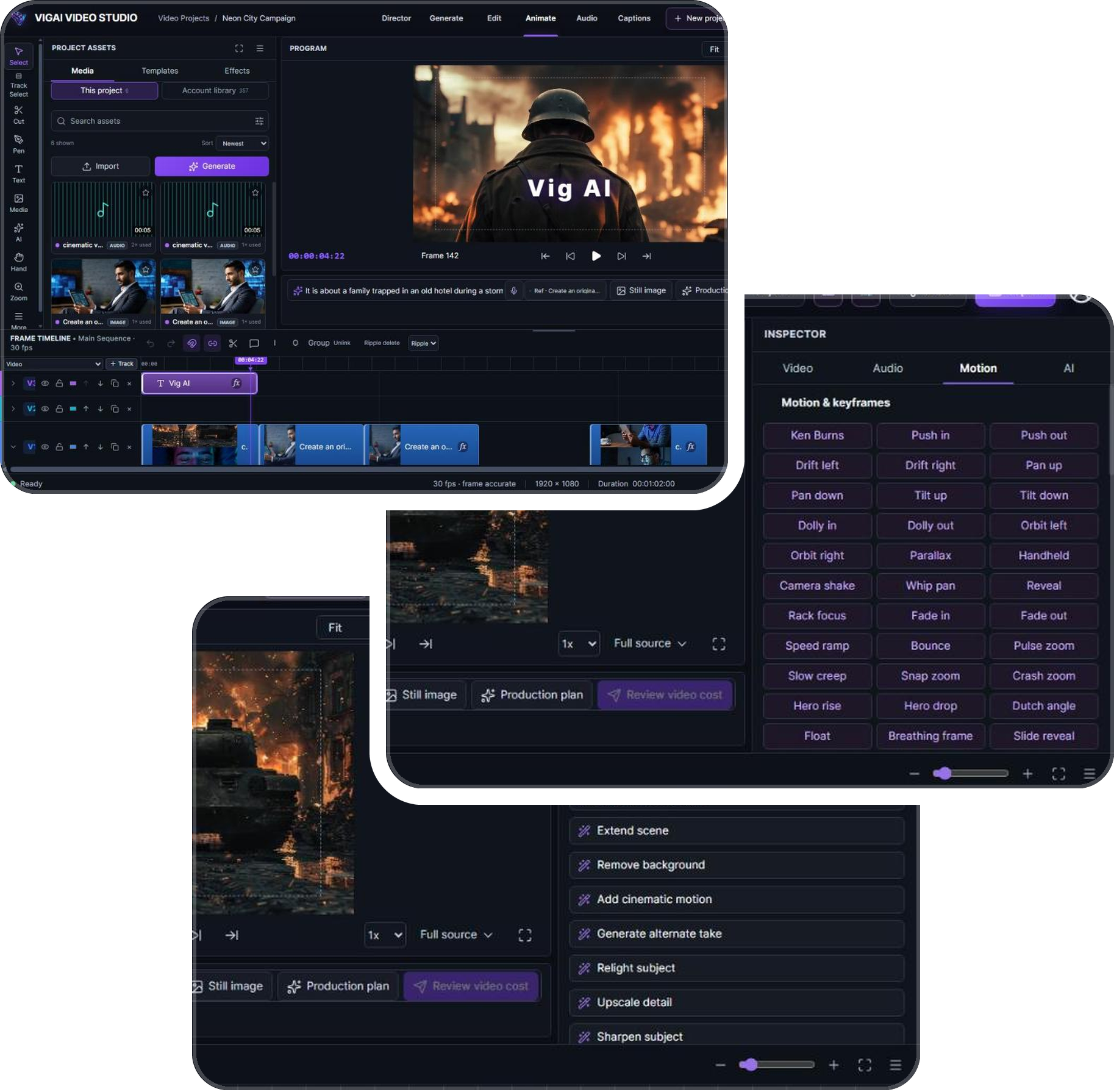
Bring generated and uploaded media together on one timeline, then add sound, voice, captions, effects, review links, and final exports.
VIGAI connects your story, scenes, and final cut.
Keep characters and worlds consistent.
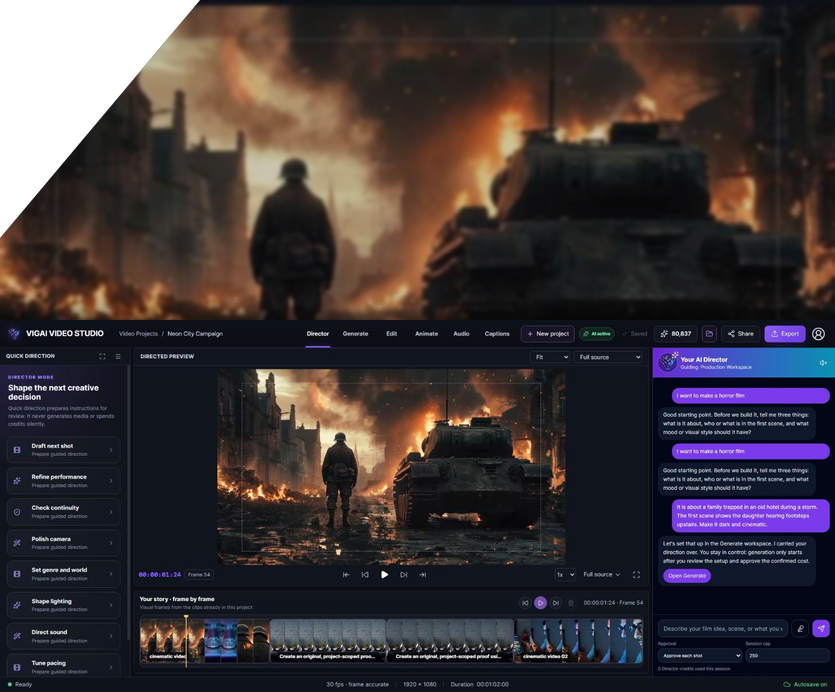
Plan scenes and direct every frame.
Edit generated and uploaded media on one timeline.
Everything you need to turn an idea into a finished video—without breaking your creative flow.
Turn an idea, script, image, or existing media into an editable production plan before you spend on generation.
Maintain character identity, wardrobe, setting, style, camera language, and continuity from one scene to the next.
VIGAI evaluates each scene and selects an eligible generation route based on your creative needs, quality, duration, and cost.
Edit clips, add voice, music, captions, effects, and exports on a professional multi-track timeline—all in the same workspace.
/Per Month
/Per Month
/Per Month
/Per Weekly
/ Per weekly
/Per Weekly
Bring your own video, images, and audio into
VIGAI and create on a professional
multi-track timeline at no cost.
When you’re ready to generate AI scenes,
choose the plan
and credit level that fits your production.
/Per week
AI scene generation, voice, music, and advanced production tools
are available with a paid VIGAI Video Studio plan
We pride ourselves on delivering unforgettable experiences — but don’t just take our word for it. Our guests return time and again for the impeccable service, exquisite surroundings, and the feeling of true indulgence.
From the moment we arrived, every detail was flawless. The staff anticipated our every need, and the suite was pure perfection. We’ll be back soon!"
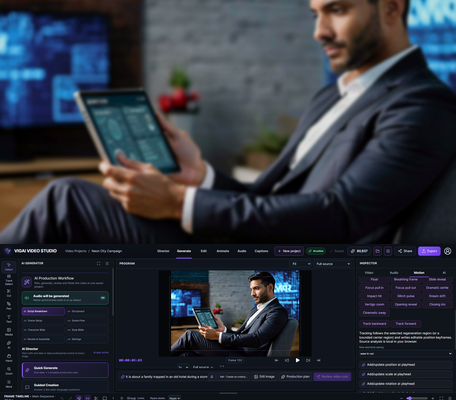
VIGAI Video Studio is a browser-based AI video production workspace for planning stories, importing scripts and media, building visual character references, generating connected clips, editing on a multi-track timeline, adding sound and captions, and exporting finished videos.
Yes. The Editor plan supports manual media importing, timeline editing, titles, captions, project saving, and applicable export tools. AI features require an active Video Studio subscription.
Yes. You can paste a script or import TXT, Markdown, Fountain, FDX, JSON, and CSV files into your production workflow.
Each recurring character can include a primary identity image, alternate appearance references, written appearance, role, voice direction, approved wardrobe, avoid instructions, and AI Director guidance that stays with the project.
Yes. Continue This Scene creates another segment under the same scene identity while carrying forward cast, location, action, wardrobe, lighting, tone, camera language, and continuity notes.
Click Export, choose your format and resolution, confirm the credit cost, and watch the progress bar. When it finishes, download the file directly — it's also saved to your project assets so you can come back for it later.
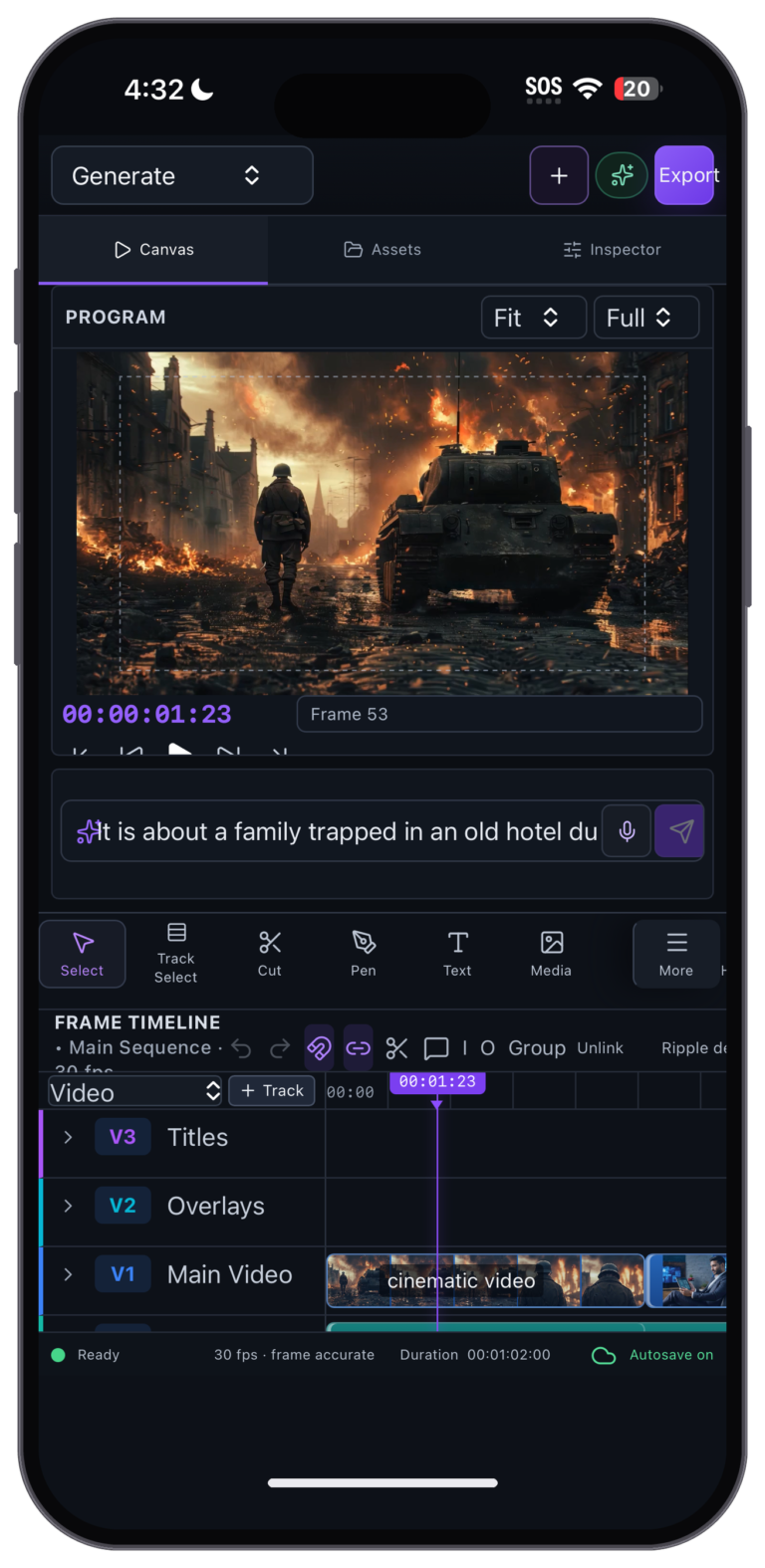
Yes. The studio adapts to smaller screens with a mobile layout — Canvas, Assets, and Inspector tabs — so you can review, tweak, and generate on the go.
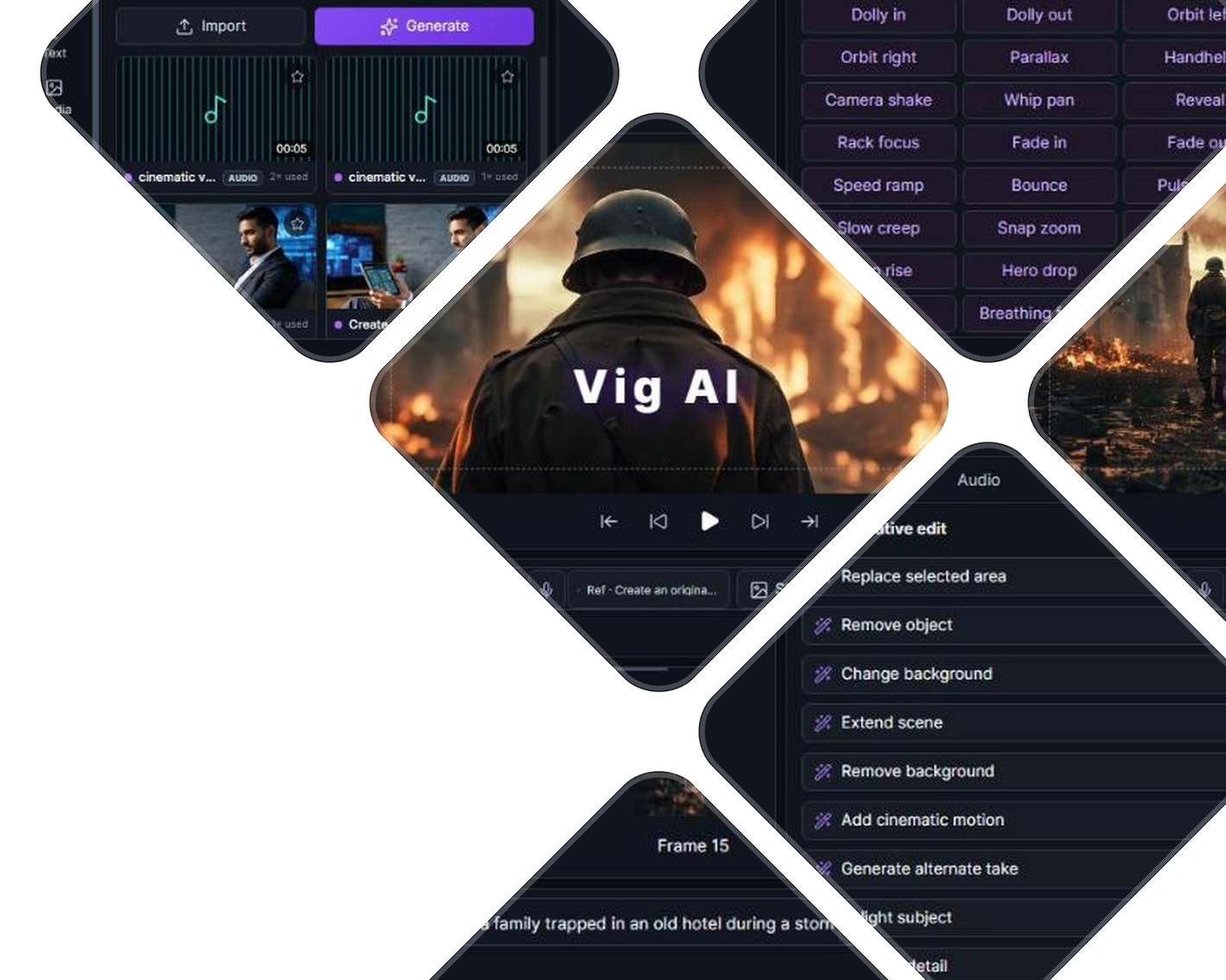
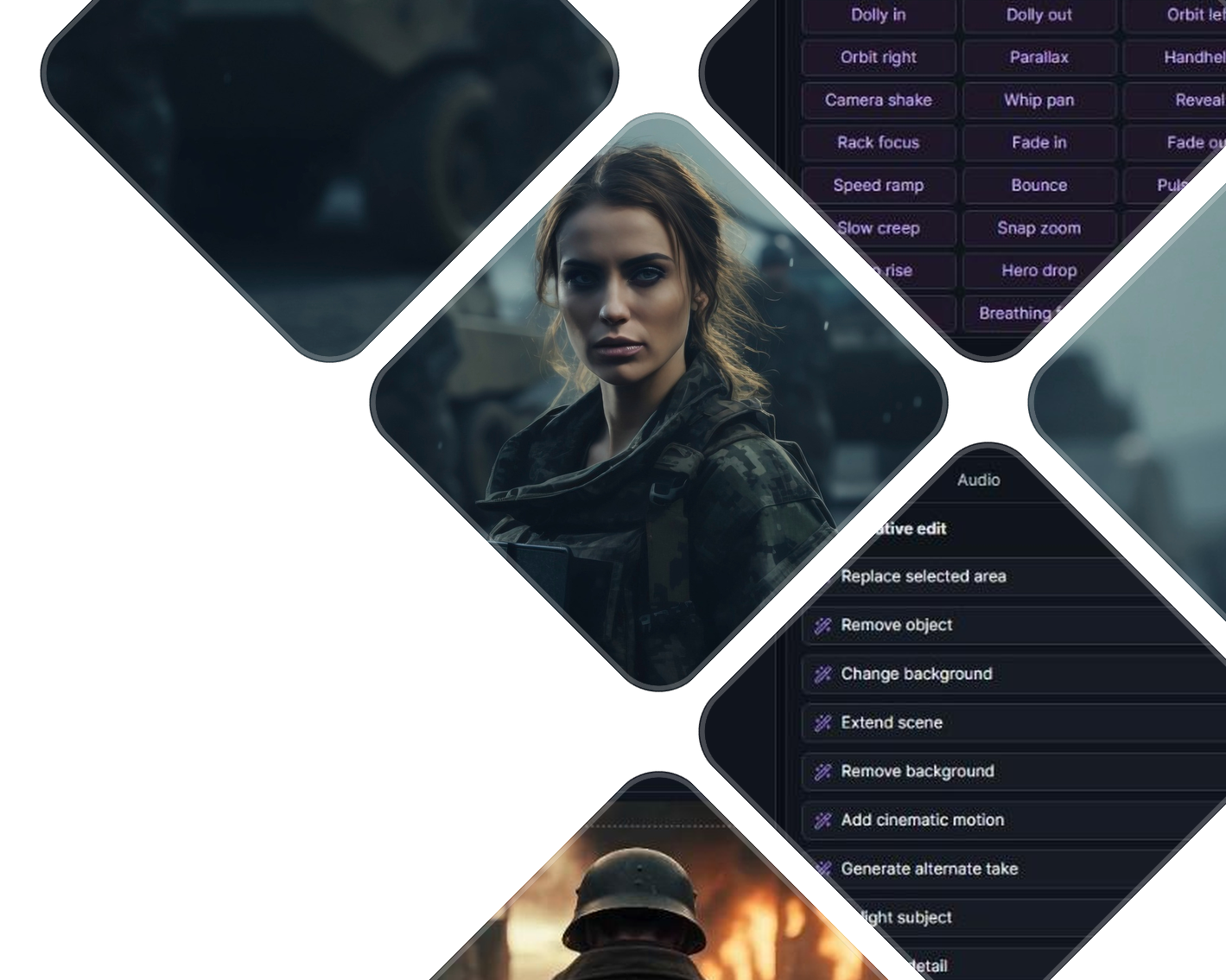
Each workspace focuses on one stage of production: Director guides creative decisions, Generate plans and creates AI shots through an 8-stage production workflow, Edit is the full timeline editor, Animate handles motion and keyframes, Audio covers voiceover, music, and lip sync, and Captions handles transcription and subtitles. Your project moves seamlessly between them.
No. Autosave keeps your project up to date in the cloud as you work, and your projects are available whenever you sign back in.
Yes. Your projects, media, and rendered videos are private to your account. Nothing you create is visible to anyone else unless you choose to share it.
Yes. The Captions workspace transcribes your audio into editable caption clips on the timeline. You can export captions as an SRT file or burn them directly into your final render.
Yes. Generated videos can include native synchronized audio by default, and the Audio workspace adds AI voiceover, soundtrack music, and lip sync — each lands on its own track in your timeline, and each shows its cost before it runs.
VIGAI is an AI-powered video creation platform that helps anyone turn an idea into a polished video in minutes.
© Copyright 2026 VIG AI ONLINE